Choosing a Monero wallet: desktop, mobile, light or hardware
Monero wallets come in very different shapes. Here is what each type is good at, and what it gives up.
Monero hides senders, receivers and amounts on the blockchain. But your wallet still has to find your payments, and how it does that affects your privacy, speed and convenience.
Full wallet with your own node
The official desktop wallet can run a full Monero node on your computer. Your wallet scans the blockchain locally and talks to no one else about your funds.
- Best privacy and no trust in anyone else.
- Needs disk space and time to sync at first. A pruned node cuts the space a lot.
Desktop wallet with a remote node
Lighter desktop wallets, such as Feather, connect to someone else's node. Your transactions are still private on-chain, but the node can see your IP address and when you use the wallet.
- Fast and light.
- Use Tor to hide your IP from the remote node. Many wallets support it in their settings.
Mobile wallets
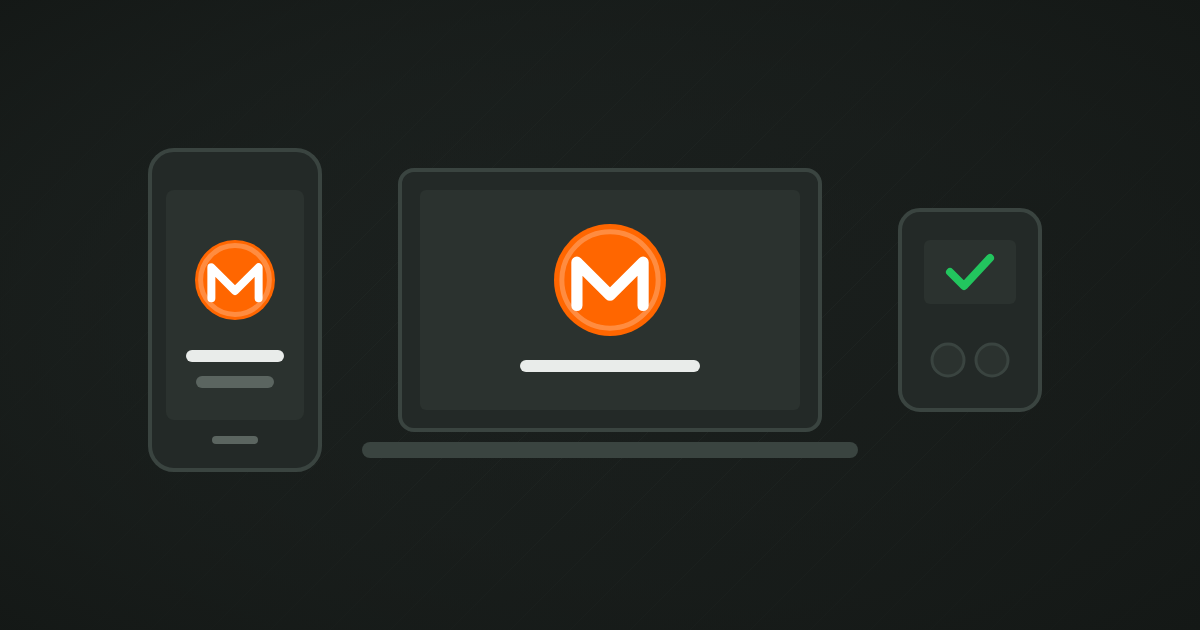
Phone wallets such as Cake Wallet or Monerujo make Monero easy to use day to day. They usually connect to remote nodes, with an option to set your own.
- Convenient for spending and small balances.
- Keep larger savings elsewhere. Phones get lost, stolen and hacked.
Hardware wallets
Some hardware wallets support Monero, usually together with a desktop wallet. Your keys stay on the device, and transactions are confirmed on its screen.
- Best protection against malware for savings.
- More setup, and you still need a desktop wallet and ideally your own node.
A simple setup that works
- A mobile wallet for everyday amounts.
- A desktop or hardware wallet for savings, connected to your own node or over Tor.
- Seed phrases for both, written down and stored safely. See backing up your seed phrase.
Whatever you pick, download wallets only from their official websites, and check the download signature if the project offers one.