Tor for beginners: hiding your IP address when you swap
Every website you visit sees your IP address, and through it your rough location. Tor fixes that in a few minutes. Here is how to start.
An exchange that does not ask for ID still sees one thing about you: your IP address. It shows your internet provider and roughly where you are, and it can link visits together. Tor is the simplest way to keep it to yourself.
What Tor does
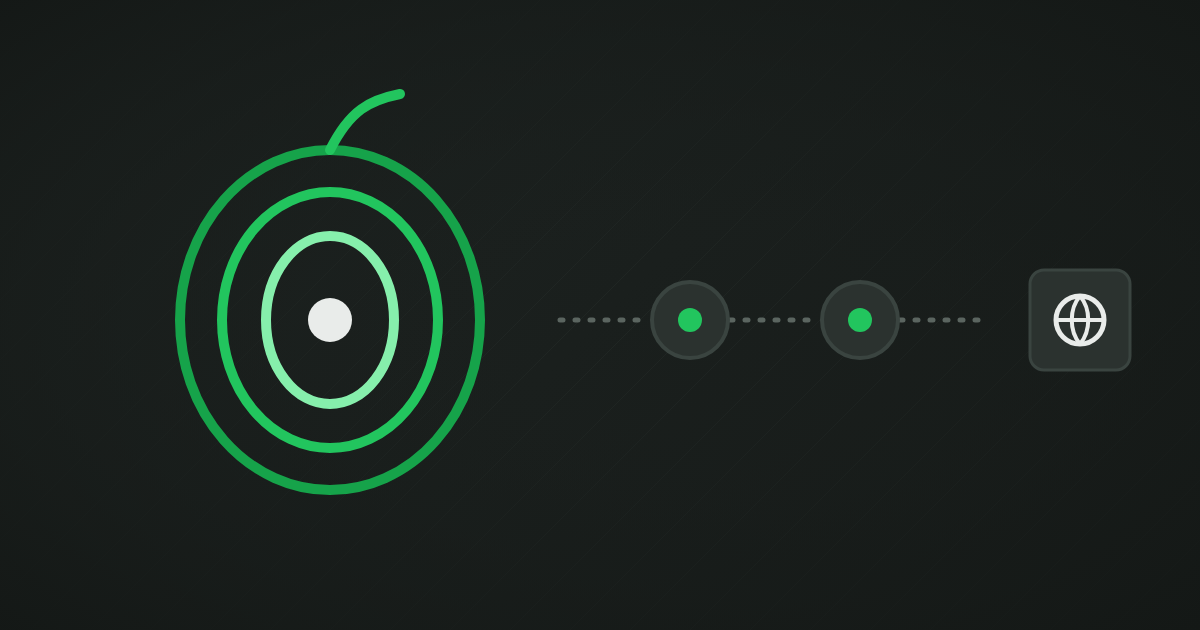
Tor sends your traffic through three volunteer-run relays before it reaches the website. Each relay only knows the one before and the one after it. The website sees the last relay's address, not yours, and your internet provider sees only that you use Tor, not what you visit.
Getting started
- Download Tor Browser from the official Tor Project website. Check that you are on the real site.
- Install and open it. It looks like a normal browser.
- Click Connect. After a few seconds you are on the Tor network.
That is it. Everything you do in that window now goes through Tor.
Onion sites
Many privacy services run an onion address, ending in .onion, that only works inside Tor. Using it is even better than visiting the normal site through Tor: the connection never leaves the Tor network. Look for the onion link on the service's official site, and bookmark it.
Good habits
- Do not log in to personal accounts in the same Tor session you use for private swaps.
- Keep the window size default. Resizing makes your browser easier to fingerprint.
- Avoid installing add-ons. They make you stand out.
- Expect some sites to be slower or to show extra checks. That is normal.
Tor or a VPN?
A VPN hides your IP address from websites, but the VPN company sees everything instead. Tor spreads that trust across three independent relays. For occasional private swaps, Tor is free and stronger. A VPN is more convenient for everyday browsing.
Most exchanges on KYCHunter work fine over Tor. If an exchange blocks Tor or keeps showing extra checks, that tells you something about how it treats privacy.